
Using any QR Code Reader on a smartphone
-
Confirm that you are logged into your Community Boss account.
-
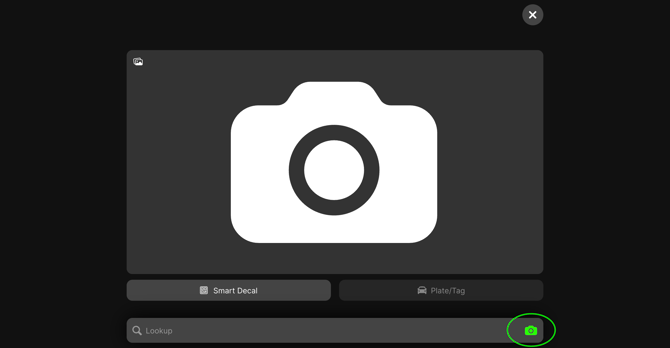
Open your camera, or a QR Reader app installed on your phone. There is also a Decal Scanner built into the Field Agent dashboard as seen below:
-
Scan or enter the Smart Decal and it will take you directly to the record in Community Boss where you can view the information related to that vehicle.
-
If the information matches, you can record a note or move on. If the information DOES NOT match or the decal has been revoked, you can:
Option 1: Add a violation.
Option 2: Tow (this is only if the policy states tow is the appropriate action).
BEST PRACTICE: We recommend breaking up the community into several “zones” and spot-checking 10-20 vehicles within a zone whenever you’re on site. This should take no longer than 5 minutes.